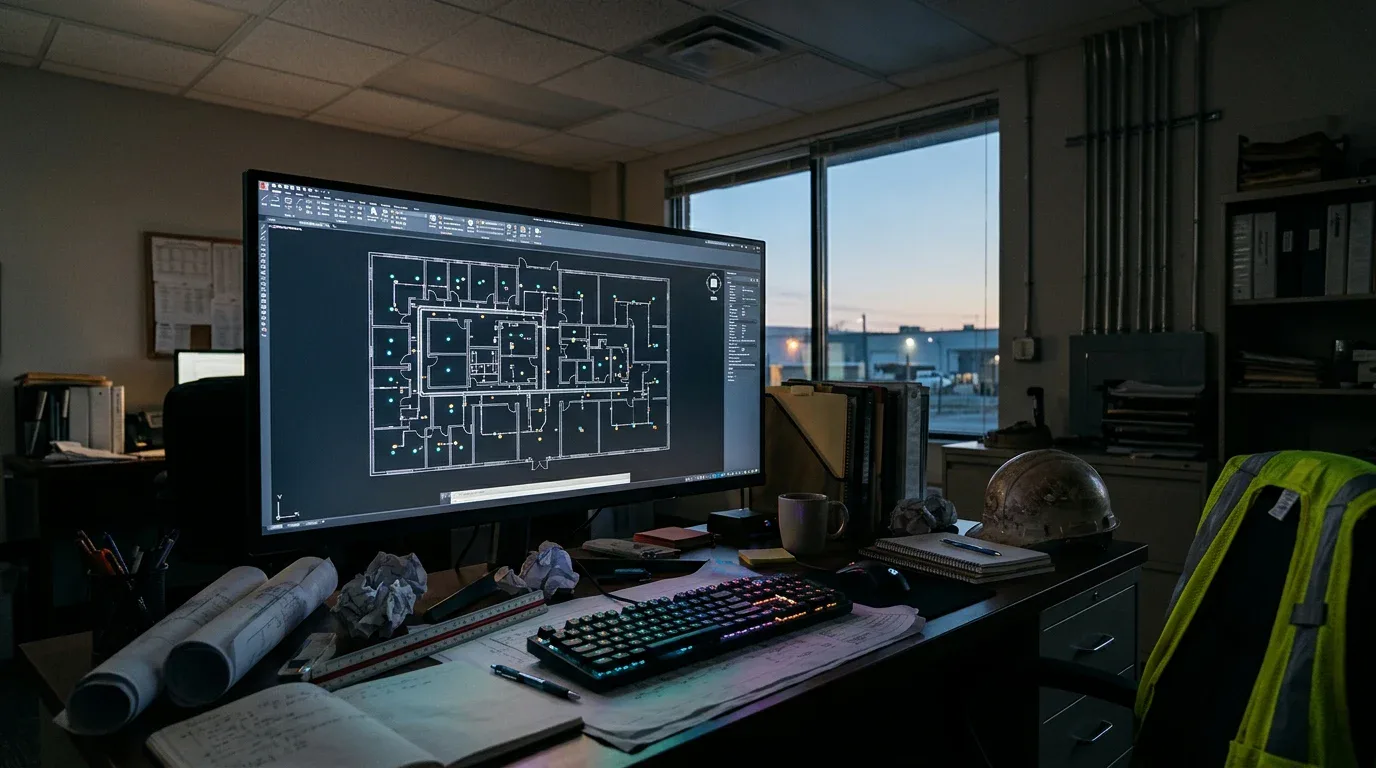
AI takeoff software uses a language model to read a drawing set and count what is on it. Ours counts electrical devices. It is fast, and it can be wrong in a specific, repeatable way. Below is what our tests on three public bid sets showed, including a real miss and the rule we wrote to fix it. We make no accuracy claim beyond those tests.
What the AI does
You upload a PDF. The AI follows a written method, and the method covers these steps:
- List each sheet and its role: legend, schedules, one-line diagram, power plan, lighting plan, demolition, details.
- Read the legend, notes and schedules before counting anything.
- Pull the text labels out of the PDF where it can, and count tags such as fixture types and circuit numbers.
- Look at each plan sheet in overlapping zoomed tiles and count visually. The tag count and the visual count must agree.
- Separate new, existing, relocated and demolished devices.
- Compare circuit loads with the panel schedule.
- List open questions and items that are noted but not counted.
Code then adds up the totals. The AI never does the final addition, because in an early test a model made an addition mistake in its own total.
What our tests showed
Three tests on public bid sets. Three sets is a small sample.
A park restroom, 3 sheets. In a blind test, a larger Anthropic model (Claude Fable 5), run without our instructions, matched a commercial takeoff service: 82 devices. The product (Claude Sonnet with our instructions) also counted 82 in five runs, but we wrote the instructions with this set known, so that is not an independent test. We counted the main device types by hand as well, and the numbers agreed (one receptacle near the panel was hard to read, 7 or 8). The AI flagged two extra items itself as doubtful and left them out of the 82: a fire alarm panel symbol and a bonding terminal that a note asks for. In an early run with Claude Sonnet and no written method, the sink GFCI rule was applied to one receptacle instead of three, the model's own total had an addition error, and it did not check the panel loads.
A 7-sheet office renovation. With the written method, the AI counted 555 new devices in total. On the power and data sheet and on the lighting sheet it was within one device of the commercial service. All luminaire types matched. An earlier blind run without the method counted 549 new devices. Be careful with this result: part of the method, the switch rule below, was written from a miss on this very set. It is not an independent test.
A music stage renovation, 6 sheets, no text layer. The plans were scans, so the AI could only count by looking. It found 55 new devices against 54 from the commercial service. The extra one was a switch for countertop receptacles in a dressing room, which the AI marked as medium confidence. The AI took about two minutes. This was a set the AI had not seen before.
We have no independent reference answer for the full 7-sheet office count, so we do not claim it is right. We compared sheet by sheet where a reference existed.
The miss: grouped switches
On the office set, a model counted a switch symbol labeled "S3 (a,b,c)" as one switch. The label means one device for each listed letter, so three switches. The same went for "S4 (a,b,c)". The sheet has 10 three-way and 3 four-way switches in all. Two S3 groups and one S4 group were each counted as a single switch, so the model missed six switches out of the 248 devices the service counted on that sheet.
We checked the sheet zoomed in and confirmed the commercial service was right. Then we wrote a rule into the method: a group list after a switch symbol means one device per letter, and stacked labels count each switch. With that rule, the AI counted the switches correctly on the same set.
Our routine for a miss is to find the cause, write a rule and test again on a set the AI has not seen. More misses are likely on drawing styles we have not met. We do not know how many.
Where it fails or slows
- Scans with no text layer. The AI has to count by eye, so it is slower and more likely to miss. Use the confidence levels and check these sets harder.
- Unusual notation. A symbol that the legend does not describe, or a local convention, can be miscounted.
- Hidden scope. Furniture-fed devices, fire alarm devices from another contractor and "contractor determines quantity" symbols are counted with a flag, since the real number depends on a decision.
- Dense sheets. Crowded areas need a second look.
- Wire and conduit length. The length estimate comes from device positions, drawn scale and circuit tags. It is an estimate from the drawings, not a field measurement, and it has been tested on one sample set so far. Devices without a circuit tag on the plan are not measured.
Why you stay in charge
AI takeoff is a first pass, and you review it the way you review a helper's work. Low and medium confidence lines show where to look. Open questions show what to settle. The totals give the size of the job; your review decides whether to trust them. See electrical takeoff software for the output, and sample takeoffs for the three sets.
To learn how symbols and group labels are used, read electrical blueprint symbols. To see how the count turns into a price, see electrical estimating software, and for the proposal and RFI letters, electrical bid software.
FAQ
We do not give a percentage. In three tests, counts were within one device of a commercial service on the sheets we could compare, with one real miss on grouped switches that we fixed. A new set can still produce errors, so review the count.
Yes, but with less certainty. Without a text layer, the AI counts by looking, which is slower and harder. In our one scanned test it was within one device of the commercial service.
No. We do not use your drawings to train models, and the AI provider's commercial terms do not use API inputs for training. See the privacy page.